GALIFE
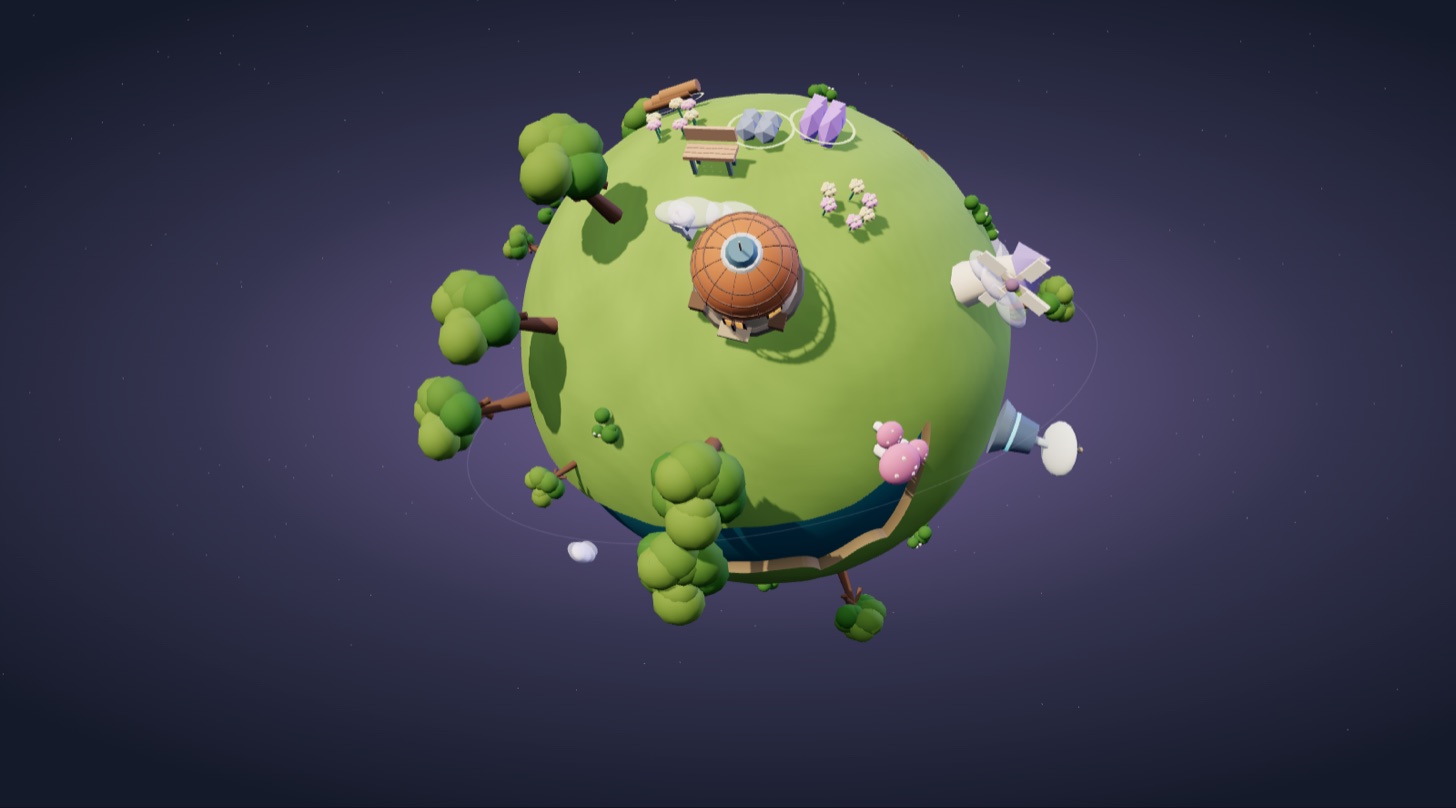
A 3D world-building game you play right in your browser. Look after a little planet of your own, gather wood, stone and crystal, place buildings, step onto the planet to walk around, then craft the Lyra spaceship to explore the galaxy, Creative Park, the Starlight Arena and Memory Studio.
Quick start, controls, how progress is saved and how to move progress from the old address to Kai Studio.
Getting started
- Press Play now. Galife opens in the same tab, on a computer or a phone (browser with WebGL support).
- Follow Lumi to place your first three items on the planet, or press × to explore on your own.
- Press Enter planet to pick a character and walk around. Open Galaxy to visit shared zones and the Arena.
- Press Kai Studio in the bottom bar to save and come back to this page.
Controls
| Action | Keyboard / touch |
|---|---|
| Rotate the planet | Drag · swipe |
| Zoom in and out | Mouse wheel · + / − buttons |
| Move your character | W A S D · ← ↑ → ↓ · tap a destination |
| Enter a building, get in / out of a vehicle | E |
| Leave the planet, cancel | Esc |
| Shoot in the Arena | Space |
Saving progress
Galife saves automatically in the browser you are using (status line at the bottom left). Progress belongs to each web address and each browser, so clearing site data also clears your progress. The Progress button in the bottom bar lets you back it up to a file and import it again; before every import your current progress is backed up in the browser (the three most recent copies are kept).
Moving progress from galife.kaikeeper.com
- Open the old Galife in the same browser you have been playing in and export a progress file as described by Kai Studio.
- Open Galife on Kai Studio, press Progress → Import from file and pick the exported file.
- Check the details shown (export time, source, size) and confirm. The game reloads with the imported progress.
- The file is checked with SHA-256; edited or damaged files are rejected.
- Your current progress is not lost: you can restore it from Automatic backups.
FAQ
Do I need an account?
No. The planet, building, galaxy, Creative Park, Arena and Memory Studio work straight away and save in your browser. Friends and shared spaces need a Galife sign-in and are not enabled on Kai Studio yet.
Does Memory Studio use AI to rebuild a real place?
No. The area is built from Galife's template library based on your description and the place type you choose; photos and videos are only used for the colour palette, processed on your device.
Can I play on a phone?
Yes, in a browser with WebGL. Drag to rotate, pinch or use + / − to zoom, tap to select and move.
Why doesn't my old progress show up on Kai Studio automatically?
Browsers keep data separately for each web address. Export a file from the old version and import it on Kai Studio as described above.